

How to Use Virtual Try‑On (2 Ways)

We offer two easy ways to virtually try on our glasses. Choose the one you prefer.
- Quick Try-On (On Our Website)
The fastest way to try on glasses:
- Go to the product page
- Click the TRY ON button
- Upload your selfie
- See the glasses on your face instantly
- Advanced Try-On (With Gemini)
For more creative control:
- Save or screenshot the glasses image from our website
- Prepare a clear front selfie of yourself
- Upload both images to Gemini
- Use the prompt below to generate your try-on effect:
Prompt (copy & send to Gemini)
“Put these glasses on the person in the selfie, make it realistic, keep the original proportion, natural lighting, front face.”
Important Tips
- Use bright, clear, front-facing photos
- Always check the size details before ordering
- Contact our customer service if you need help
Find your most flattering pair and shop confidently!
You Might Also Like
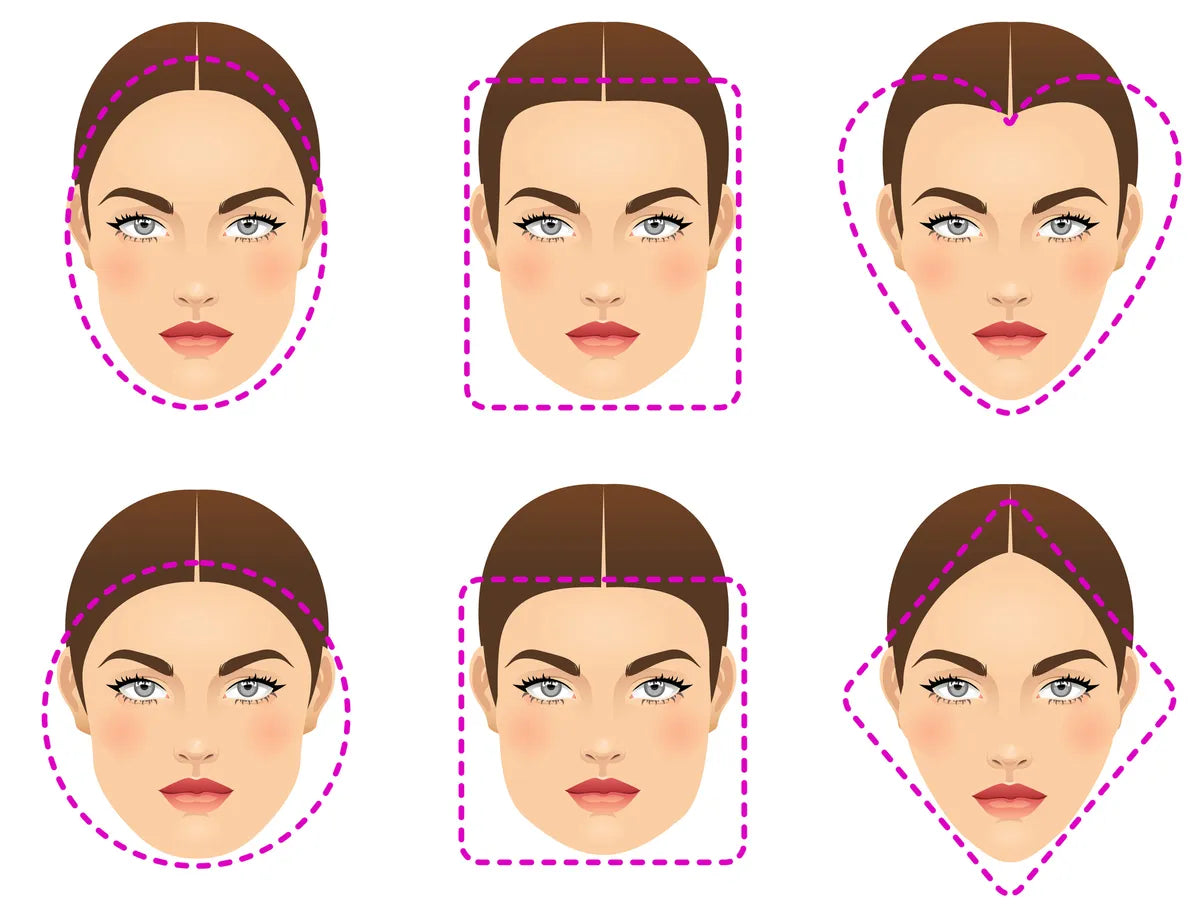
How to Choose the Right Glasses for Your Face Shape: The Ultimate Guide (2026)
How do I choose the right glasses for my face shape? A pair that looks amazing on your friend might...
Blue Light Glasses: Do They Actually Work? (2026 Guide)
In this evidence-based guide, we’ll break down the truth about blue light glasses, their real benefits, who should wear them,...
How to Measure PD (Pupillary Distance) at Home: Accurate Guide for Online Glasses
In this step-by-step guide, we’ll show you 3 reliable methods to measure PD at home, share pro tips for precision,...